

GitHub issues
Overview
Section titled “Overview”Mention @Promptless in a GitHub issue to turn a documentation request into a suggestion. Promptless reads the issue’s title, description, and comments, decides whether the request needs a documentation update, and creates suggestions when it does.
Issue mentions fit when:
- Contributors or users open issues that ask for specific documentation improvements.
- Community members in an open-source project want to request docs updates without access to your other tools.
- Your team tracks documentation gaps as issues and wants Promptless to act on them.
The GitHub issue trigger is built in. It needs no YAML configuration and works in every repository where the Promptless GitHub App is installed.
Before you start
Section titled “Before you start”- The GitHub organization that holds the repository, connected to Promptless through the Promptless GitHub App. If it isn’t connected yet, connect it first.
- Your organization’s Promptless setup finished on the Configuration page.
Connect GitHub
Section titled “Connect GitHub”Skip this section if the organization that holds your repositories already has a card on the Integrations page.
You need an admin role in your Promptless organization to start a GitHub connection. GitHub then asks you to authorize the Promptless GitHub App with your GitHub account. The connection completes only if that account administers the organization or account you connect. For a GitHub organization, that’s an organization owner. For a personal account, it’s the account owner.
On GitHub Enterprise Server, or on GitHub Enterprise Cloud when a policy blocks third-party apps, connect through a custom GitHub App. See GitHub Enterprise integration.
-
In the Promptless dashboard, open the Integrations page.
-
Select Connect GitHub.
-
In GitHub, select the organization to install Promptless into.
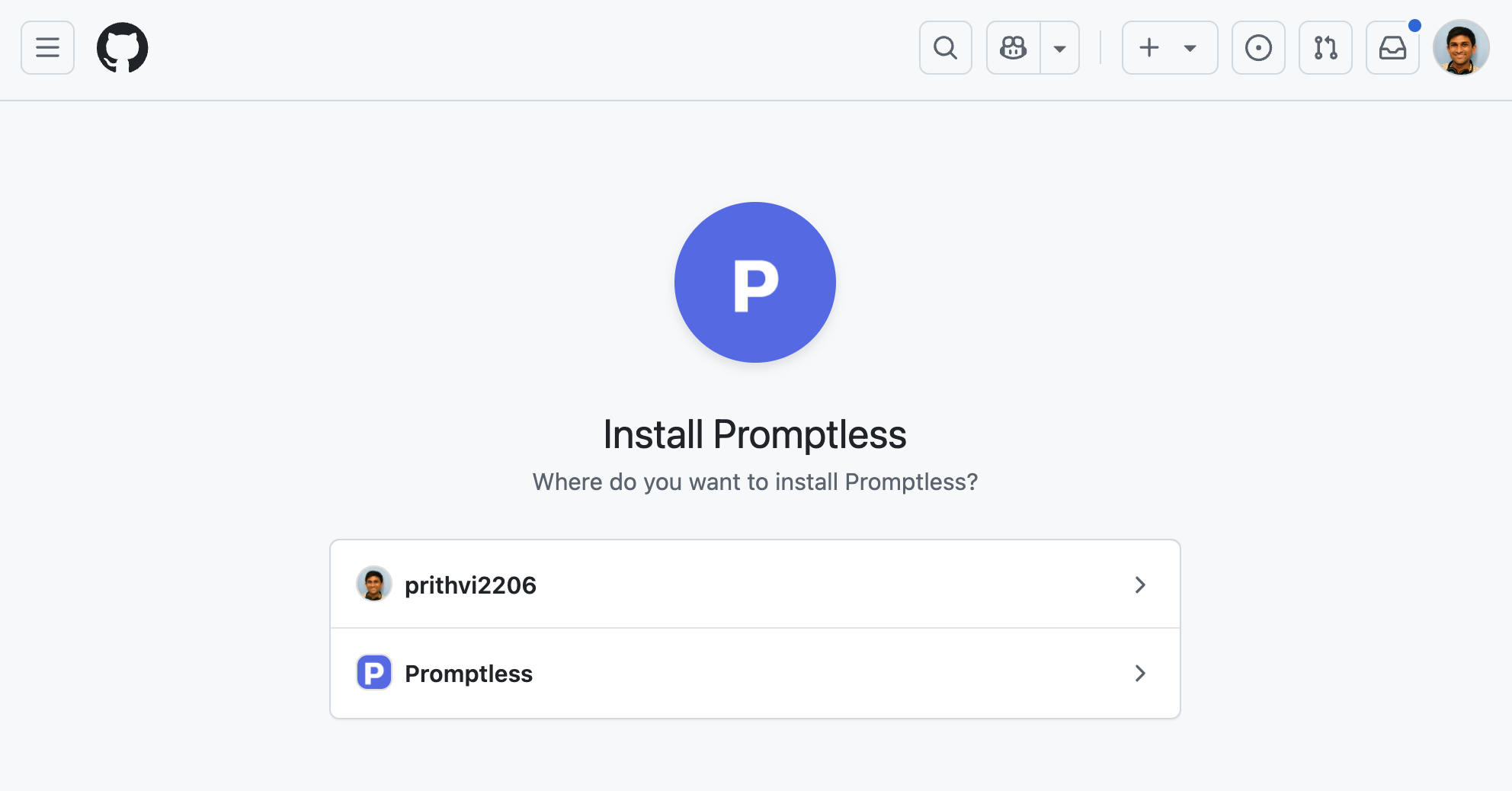
-
Select the repositories Promptless can access. These are typically your source code repositories and, if your docs live in GitHub, your documentation repository.
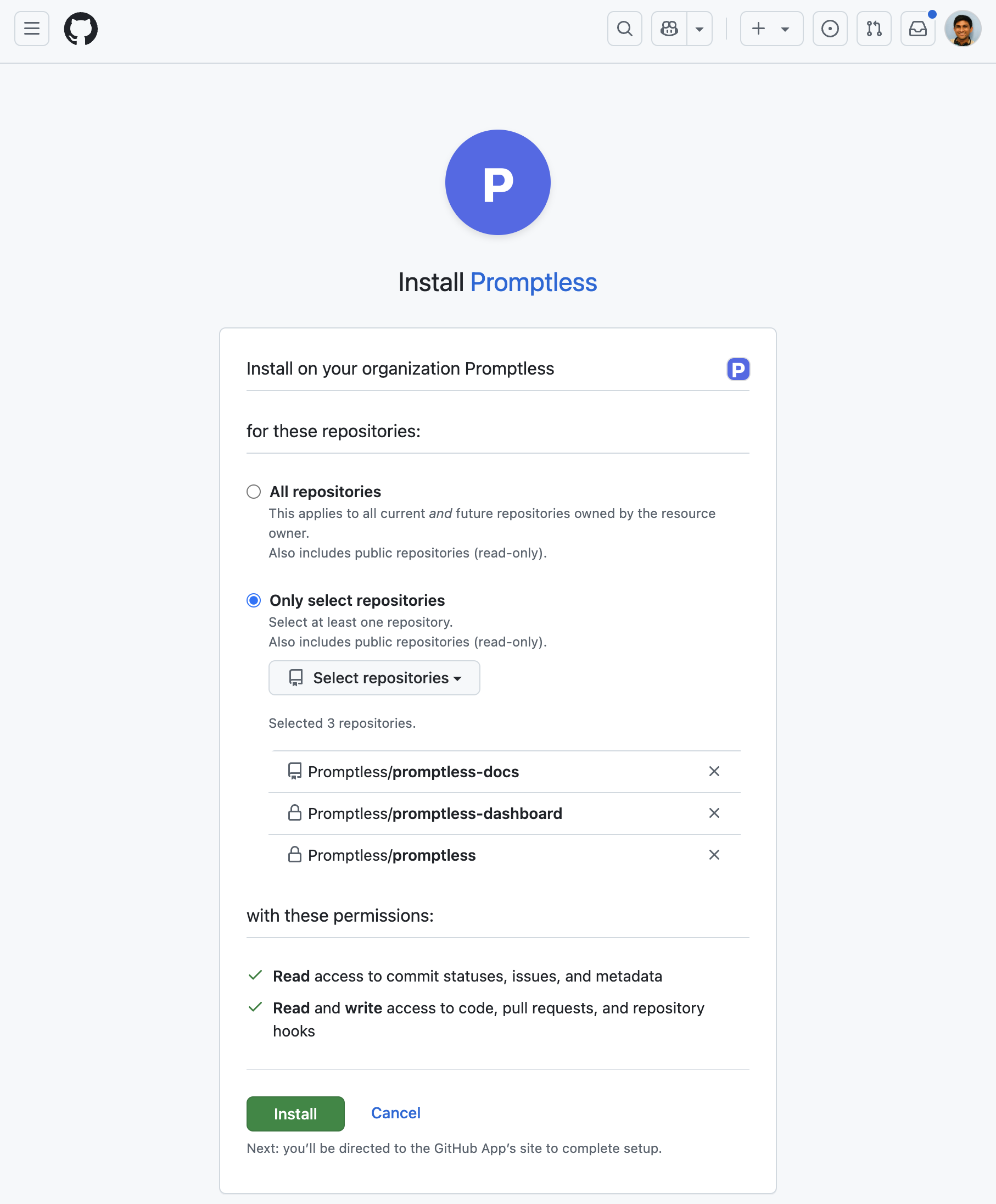
-
On the Integrations page, confirm that the organization appears on its own card.
The connection link stays valid for one hour. If it expires before you finish, start the connection again from the Integrations page.
Some GitHub organizations require an owner’s approval to install a third-party app. If yours does and you aren’t an owner, GitHub asks you to request approval. To connect in that case:
-
Complete GitHub’s approval request flow. The GitHub card on the Integrations page shows Waiting on an organization owner while the request is open.
-
Ask a GitHub organization owner to approve the Promptless GitHub App in the organization’s Third-party Access settings.
-
After the owner approves, confirm that the organization appears on its own card. Promptless connects the approved installation automatically. To check right away, select Check for approval on the card.
If GitHub can’t reuse the approved installation, uninstall the Promptless GitHub App in GitHub, and connect again.
If your GitHub organization enforces an IP allow list, GitHub blocks requests from Promptless until an owner allows them. See Organization IP allow lists.
Request a documentation update from an issue
Section titled “Request a documentation update from an issue”-
Open an issue, or go to an existing one, in a repository where the Promptless GitHub App is installed.
-
Mention
@Promptlessin the issue’s title or description, or in a comment, and describe the documentation change you want.
Promptless adds an eyes (👀) reaction to the issue, or to your comment, when it starts working. It then decides whether the request warrants a documentation update. If it does, Promptless creates documentation suggestions and posts the results back to the issue.
If your organization hasn’t finished setting up Promptless, Promptless replies on the issue with a link to the dashboard so you can complete setup.
Suggestions from issues publish and notify according to your policies, like suggestions from any other trigger.
See also
Section titled “See also”- GitHub integration, for repository access and the authentication model
- GitHub PRs, to request documentation from a pull request comment
- Triggers, for how triggers work and how to follow what one did
- Configuration Reference, for publishing and notification policies