

Linear integration
Overview
Section titled “Overview”Connect Linear so Promptless can read your Linear issues and projects as context when it drafts documentation. For example, when a pull request mentions a feature, Promptless can find the related Linear issue and reuse the reasoning recorded there. Promptless connects through Linear’s OAuth 2.0 flow and refreshes its access token automatically.
In this guide, you connect a Linear workspace, then reconnect it if Linear stops accepting Promptless’s access.
Before you start
Section titled “Before you start”- An admin role in your Promptless organization.
- A Linear account in the workspace you want to connect. Promptless reads only the teams that account can access.
Connect Linear
Section titled “Connect Linear”You need an admin role in your Promptless organization to connect Linear. Promptless reads Linear with the permissions of the Linear account that signs in during the connection.
-
On the Promptless Integrations page, select Connect Linear.
-
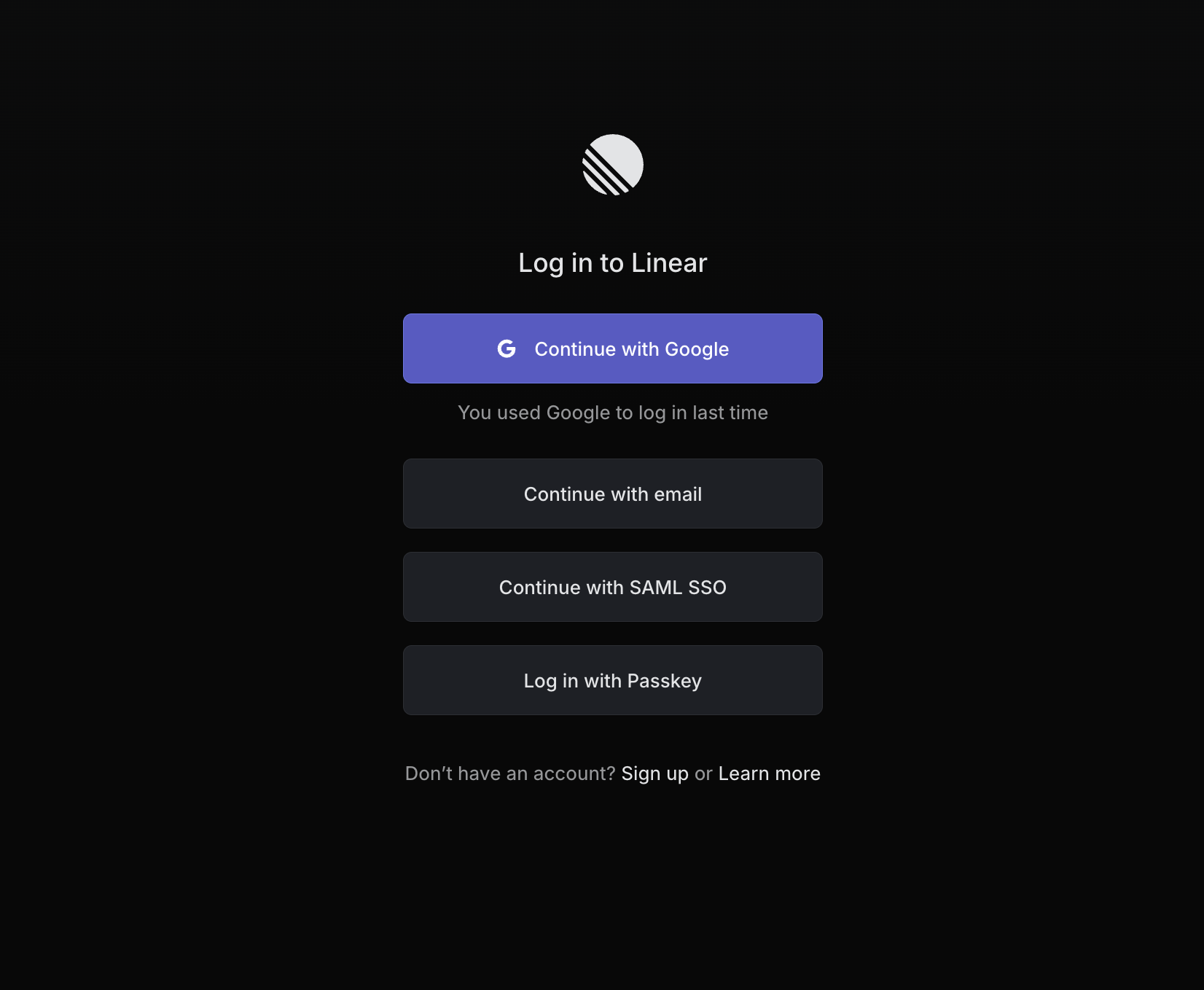
If Linear asks you to log in, log in to the Linear workspace you want to connect.
-
After Linear redirects you to Promptless, confirm that Linear shows as connected on the Integrations page.
The Linear card lists the teams Promptless can reach. To review or revoke Promptless’s access from Linear, select Review access in Linear on the card.
Reconnect Linear
Section titled “Reconnect Linear”When Linear stops accepting Promptless’s access, the Linear card on the Integrations page shows a Reconnect Linear callout. Promptless can’t read Linear issues until you reconnect. Linear stops accepting access when Promptless can’t refresh its token, or when someone removes the Promptless authorization in Linear.
-
On the Linear card, select Reconnect Linear.
-
In Linear, approve access for Promptless.
When the card lists your teams again, Promptless can read your Linear issues.
See also
Section titled “See also”- Linear context source, to choose how Promptless uses Linear for context
- Connection health, to find and fix other integrations that stopped working