
Agent Knowledge Base
Promptless updates these files automatically as it learns from your feedback, but you can also edit them directly.
Accessing the Agent Knowledge Base
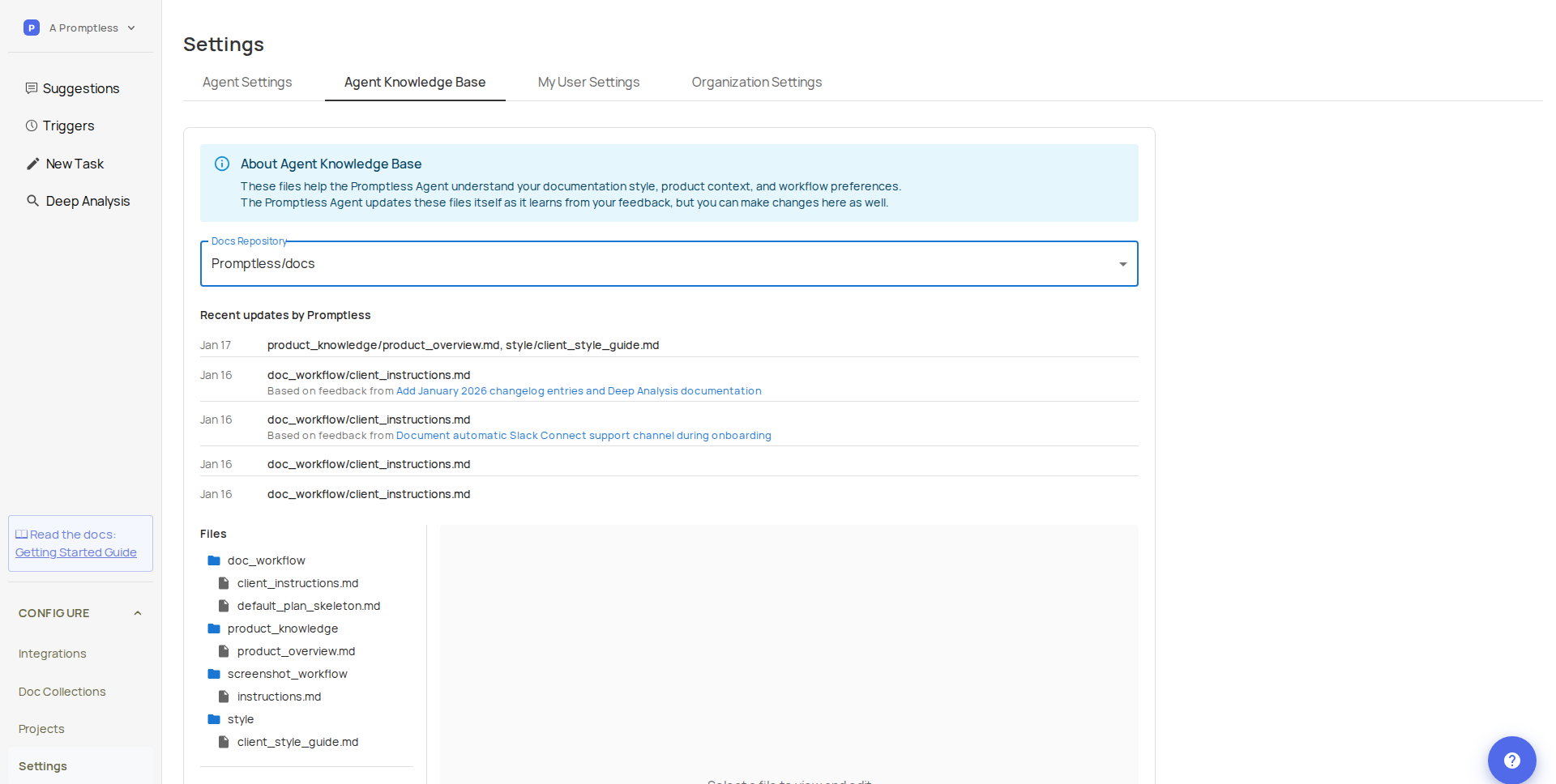
Section titled “Accessing the Agent Knowledge Base”Go to Settings and click the Agent Knowledge Base tab. If you have multiple docs repositories connected, select the one you want from the dropdown.
Recent Updates by Promptless
Section titled “Recent Updates by Promptless”View recent updates Promptless has made to these files based on your feedback.
Each update includes:
- Date of the update
- Files changed
- Link to the suggestion that triggered the update
This shows how your feedback shapes Promptless’s understanding of your documentation preferences.
Knowledge Base Files
Section titled “Knowledge Base Files”| File | Purpose |
|---|---|
client_instructions.md | Guidelines for how Promptless approaches documentation tasks. Updated when Promptless learns new preferences from your feedback. |
default_plan_skeleton.md | Template structure for documentation plans. Updated when you provide feedback on plan organization. |
product_overview.md | High-level context about your product. Generated during initial setup—you can edit this directly or request Promptless to regenerate it. |
client_style_guide.md | Writing style rules and conventions. If your repo includes a style guide or Vale rules, reference those files here. Promptless updates this file as it learns your style preferences from feedback. |
Viewing and Editing Files
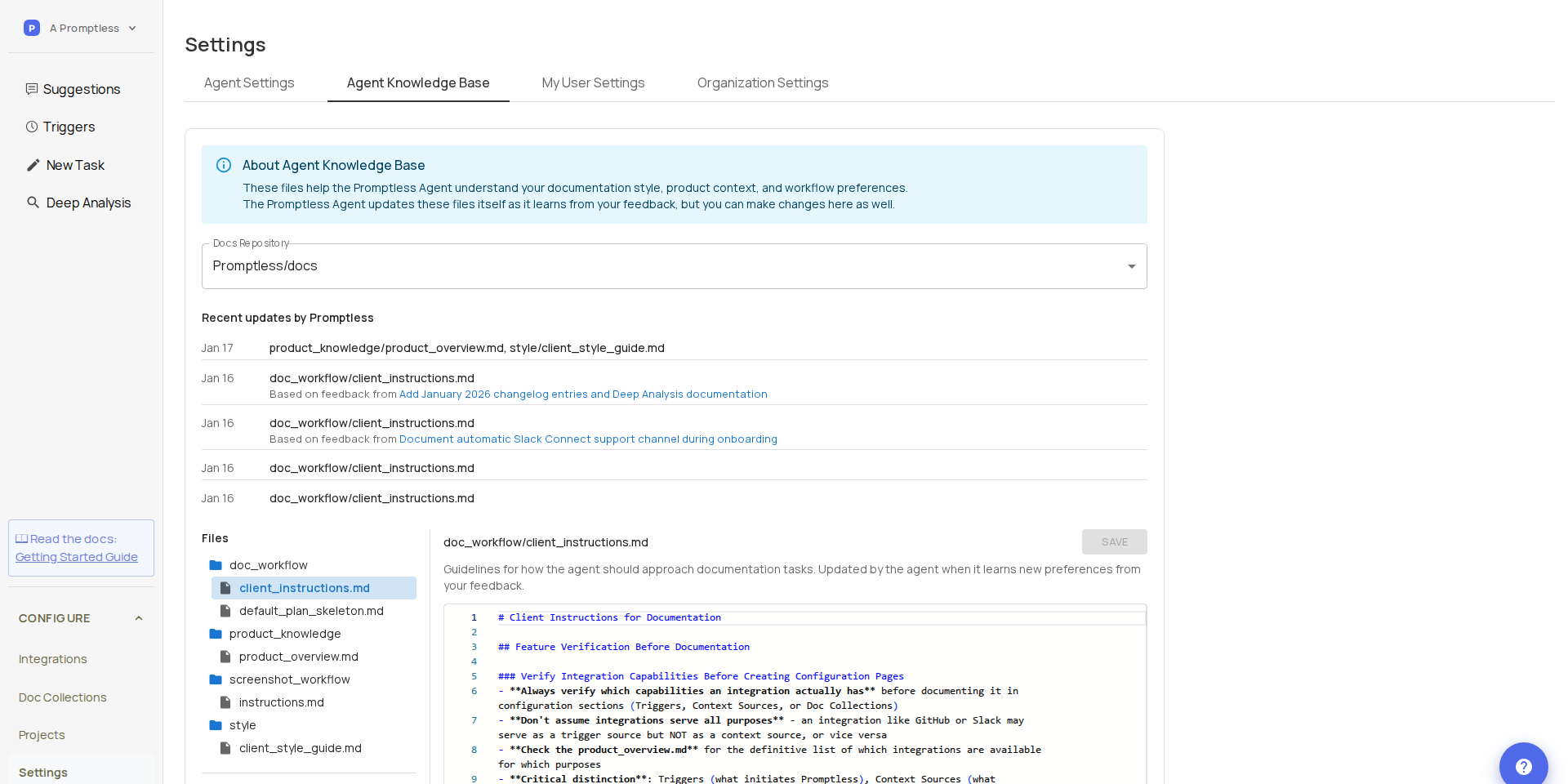
Section titled “Viewing and Editing Files”Click any file in the tree view to open it in the editor.
To edit a file:
- Make your changes in the editor
- Click Save
- Your changes are committed directly to the repository
Warning
Switching files with unsaved changes will discard those changes.
How Promptless Uses These Files
Section titled “How Promptless Uses These Files”Promptless reads these files at the start of every documentation task to understand your documentation approach, product terminology, and writing style.
When you provide feedback on suggestions—through PR comments, the web interface, or Slack—Promptless may update these files to apply what it learned to future tasks.
Need help? Contact us at help@gopromptless.ai.