
Skip to content

For the complete documentation index, see llms.txt.

Promptless Media Kit

This is the official Promptless brand center. Everything here — logos, colors, and product screenshots — is kept current by Promptless itself, so the app screenshots below always reflect the latest interface. Bookmark promptless.ai/media-kit for the canonical link.

For press, partnership, or integration use, please use the assets on this page as-is. If you need a format or resolution you don’t see here, reach out to support@promptless.ai.

Download the file that fits your background. Use the full logo wherever space allows; reach for the icon-only mark when you need a compact, square footprint (avatars, app tiles, favicons).

Promptless logo on a light background
Light backgroundsDownload SVG
Promptless logo on a dark background
Dark backgroundsDownload SVG
Promptless wordmark in black
Black wordmarkDownload SVG
Promptless wordmark in white
White wordmarkDownload SVG

The square mark for avatars, app tiles, and favicons.

Promptless icon in blue
Blue iconSVG
Promptless icon in white
White iconSVG
Promptless icon, PNG
Icon (PNG)PNG
Promptless Blue
#1F4AD6
Accent Blue
#396DF1
Deep Blue
#1E3FA8
Tint
#E7EFFF
Ink
#111827

These screenshots show Promptless in action across its core workflow — Listen, Research, Review, and Publish. They’re maintained alongside the product, so they always match the current interface. For ready-made promo composites (headline + logo + screenshot, sized for app listings), see Marketing Images.
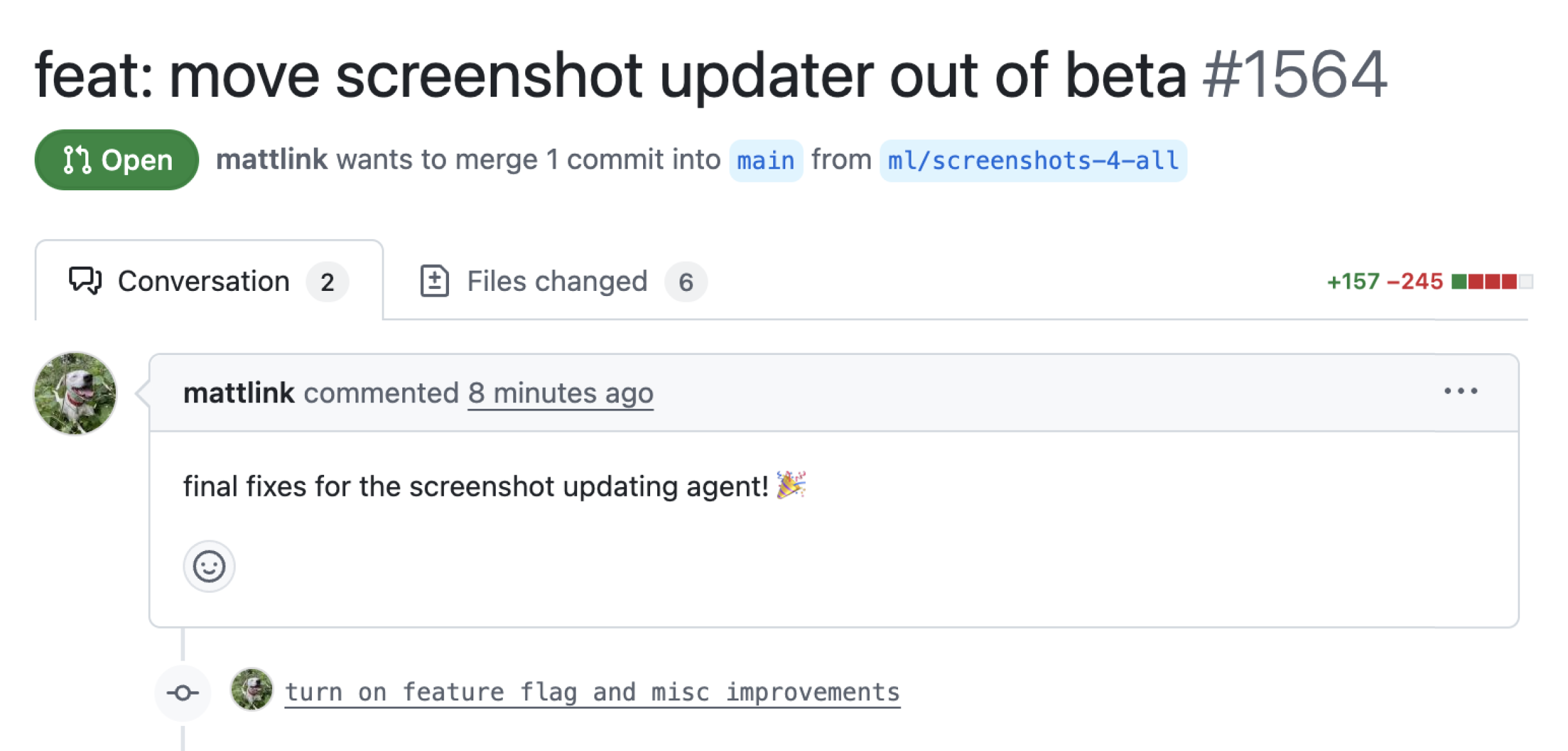
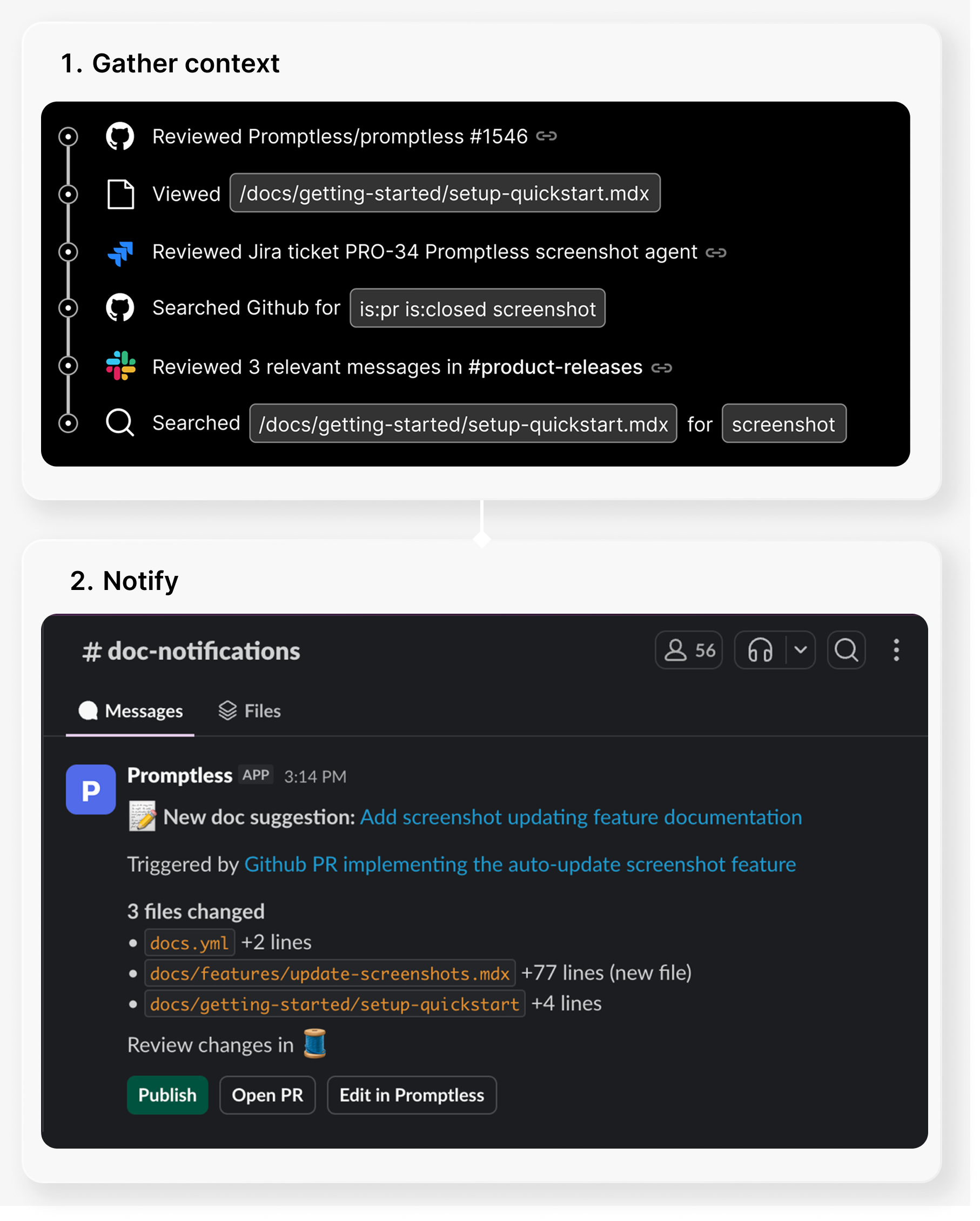
Promptless listening for changes across connected sources
Listen — Promptless watches your code, tickets, and conversations for changes that affect docs.
Promptless researching context for a documentation update
Research — Promptless gathers the context it needs to draft accurate updates.
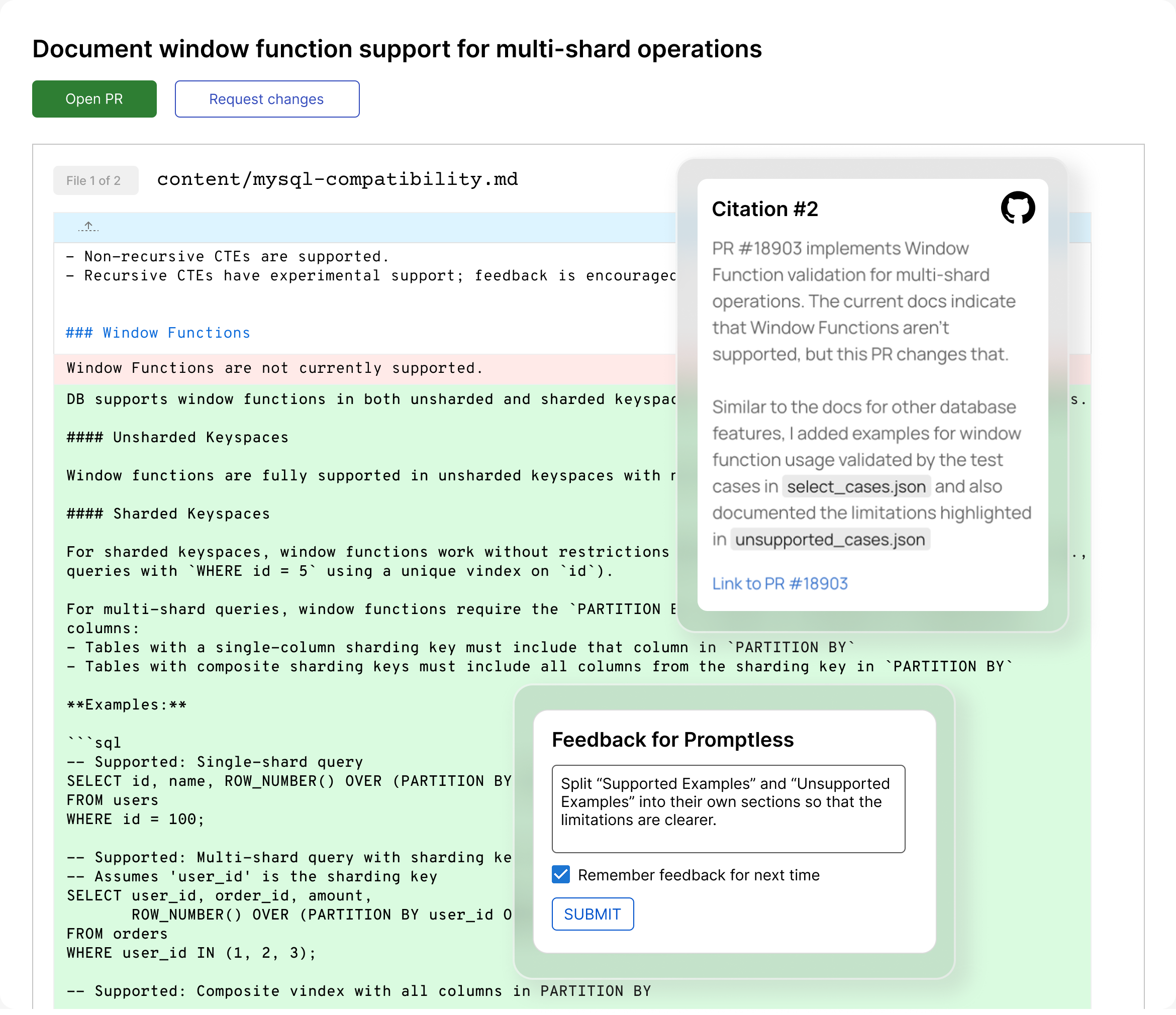
Promptless presenting a documentation update for review
Review — proposed doc changes arrive as a pull request for human review.
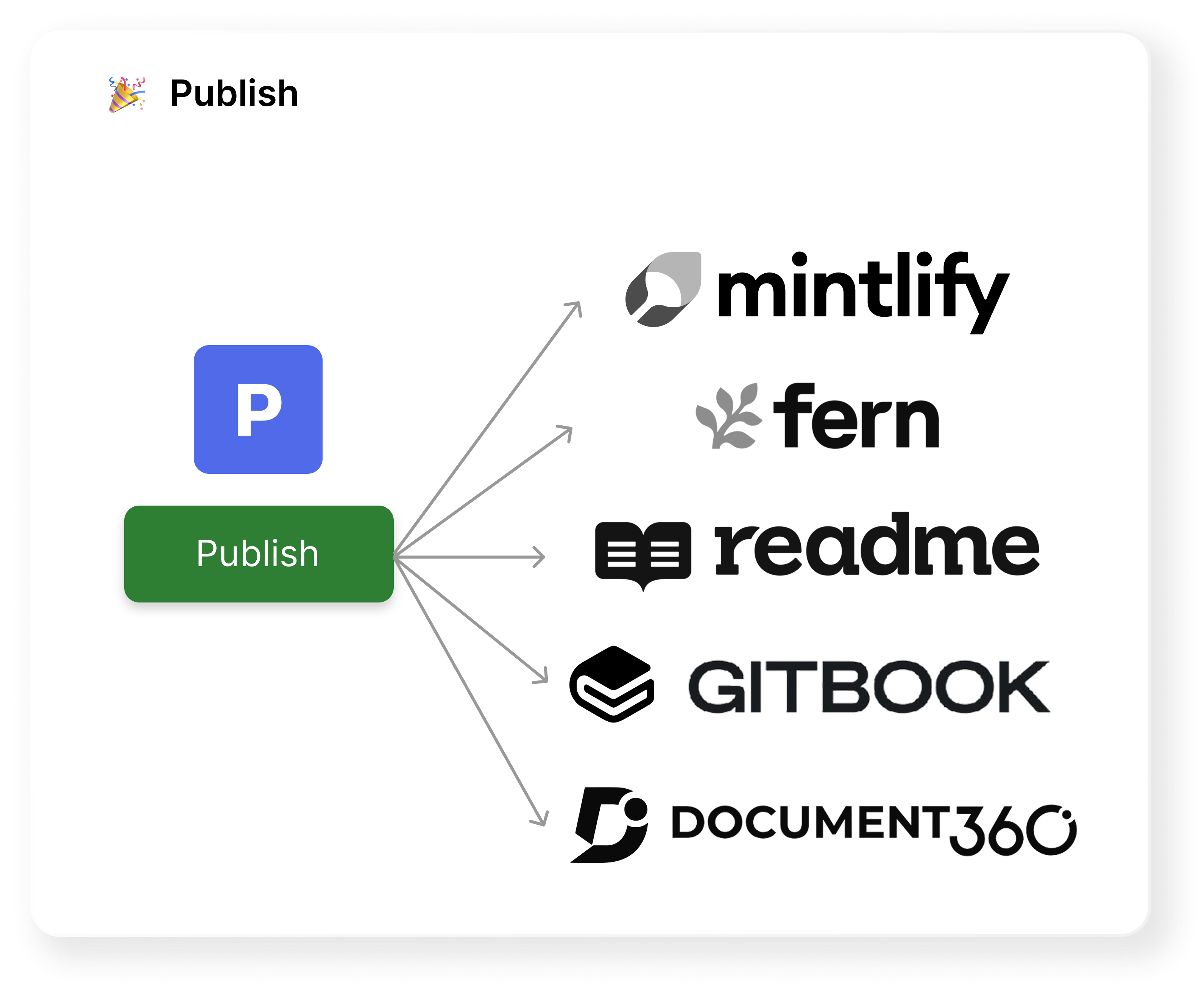
Promptless publishing an approved documentation update
Publish — approved updates ship to your live docs.
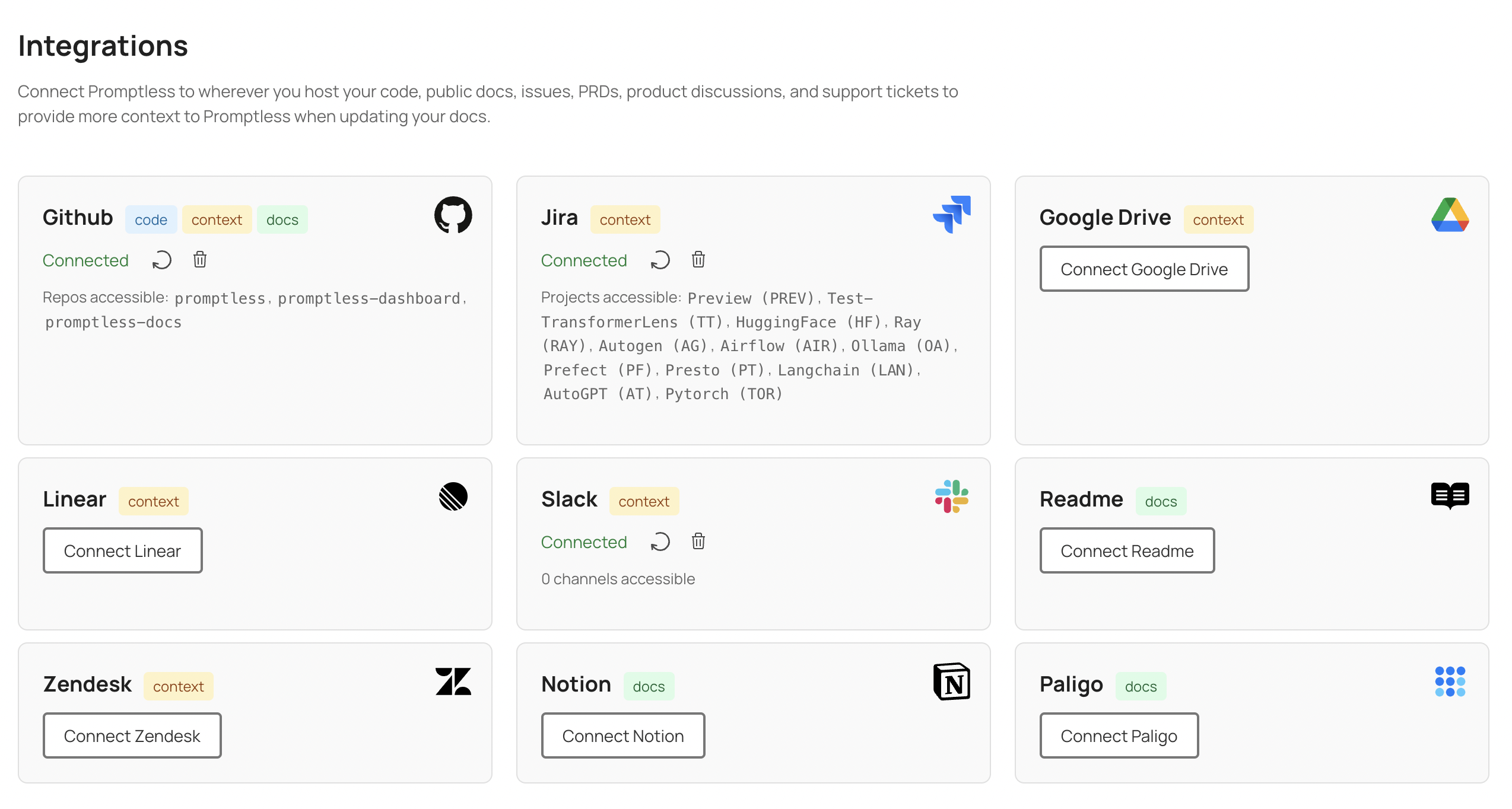
The Promptless web interface integrations page
The Promptless web interface, where teams manage projects and integrations.
  • Do use the official logos and colors on this page without modification.
  • Do give the logo clear space and keep it legible — choose the light or dark variant to suit the background.
  • Don’t stretch, recolor, rotate, add effects to, or otherwise alter the logo.
  • Don’t imply partnership or endorsement that doesn’t exist.

Tip

Need a different format, a higher resolution, or a screenshot of a specific feature? Email support@promptless.ai and we’ll help.