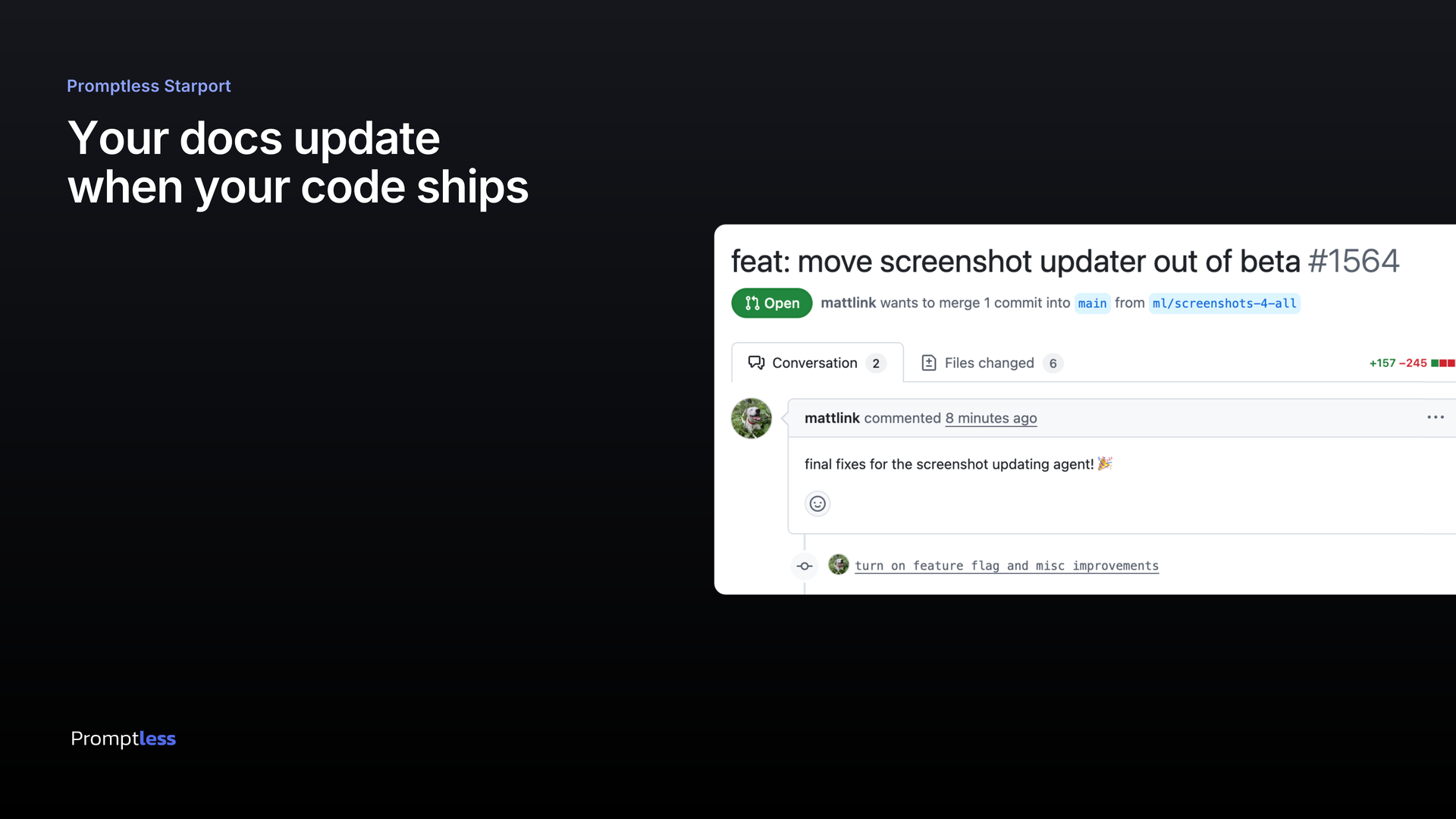
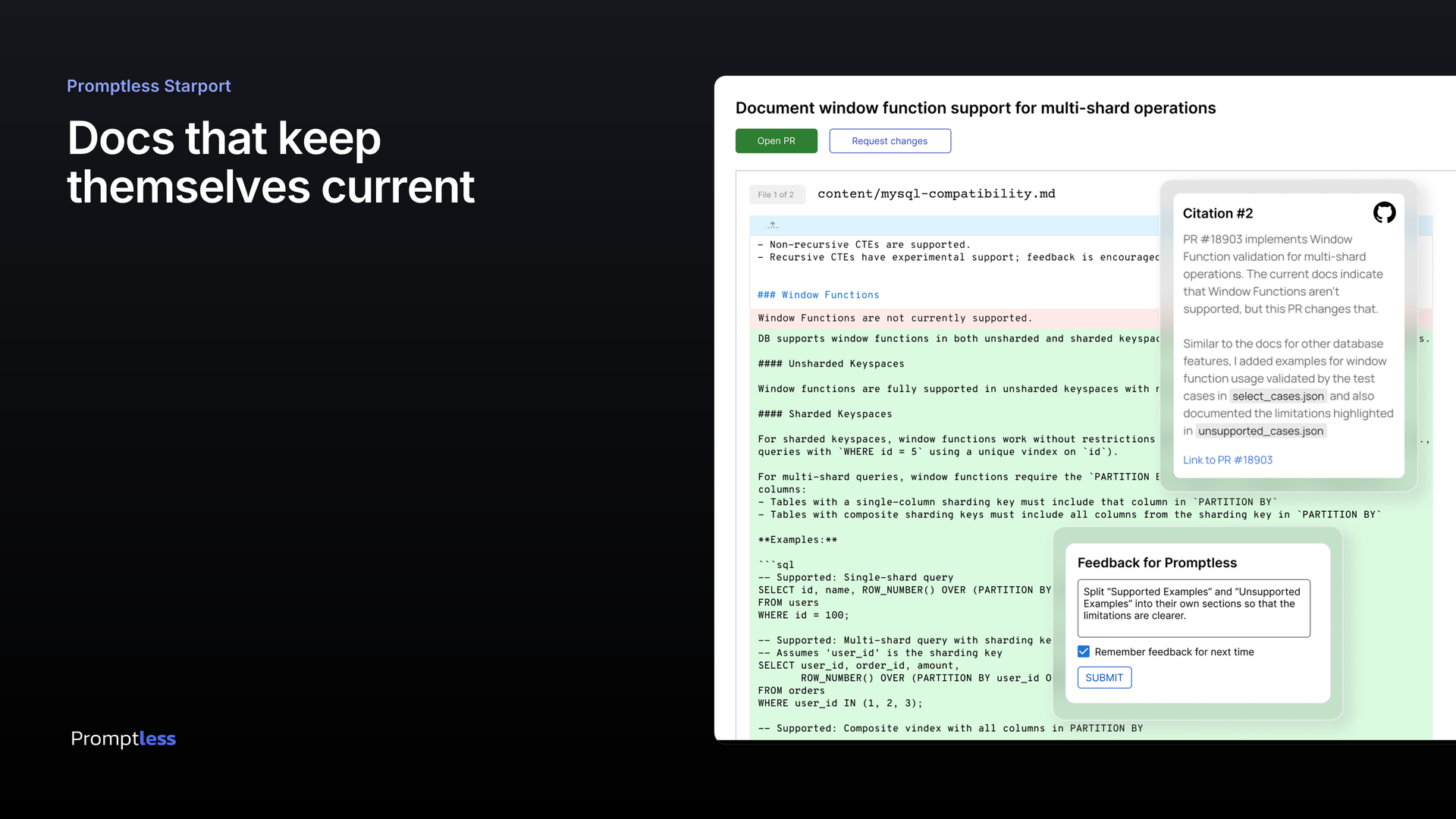
Marketing images
Generate one
Section titled “Generate one”The generator is a small Node script, and no browser is required. From the repo root:
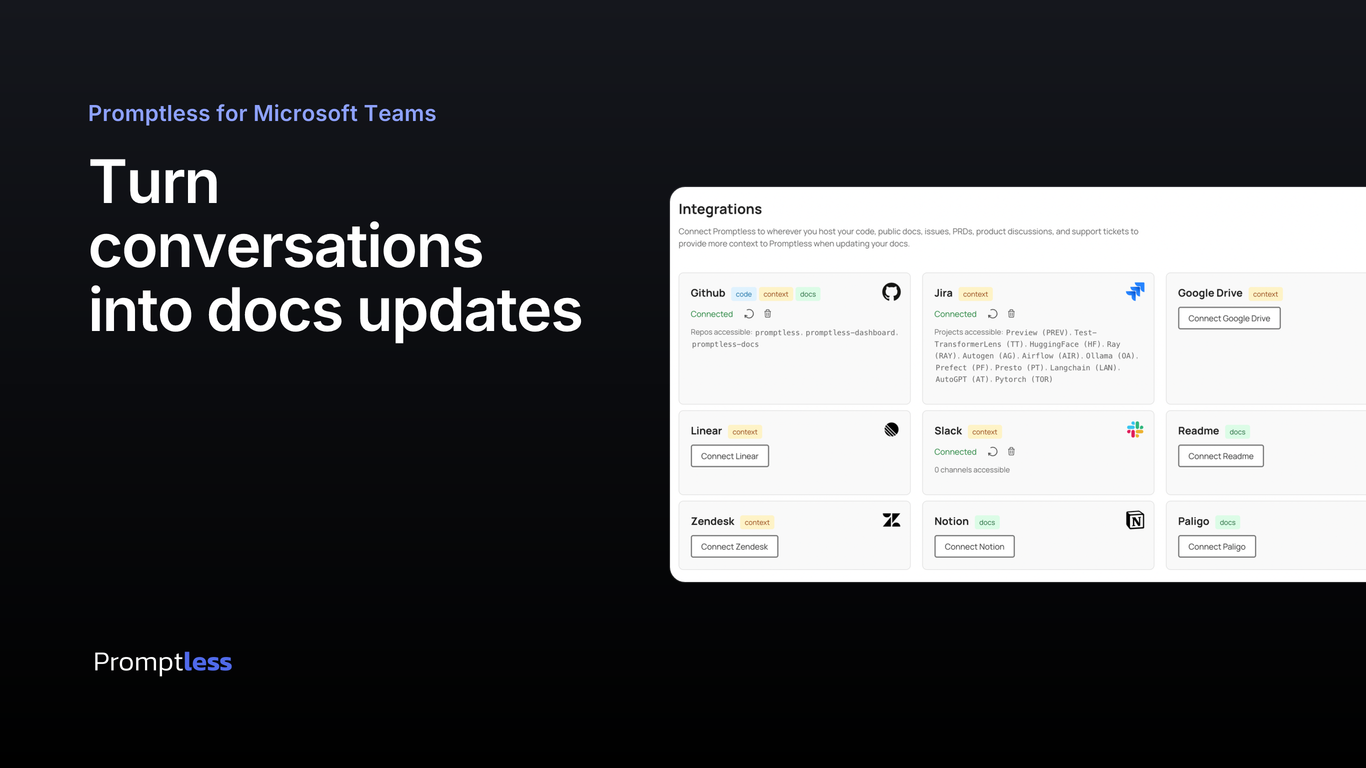
npm run marketing:image -- \ --headline "Turn conversations|into docs updates" \ --screenshot public/assets/integrations-page.png \ --out public/assets/marketing/teams-listing.png \ --eyebrow "Promptless for Microsoft Teams"| (or \n) forces a hard line break; otherwise the headline wraps to fit its column. Defaults are 1366×768 with a 1024 KB size cap, so a minimal run only needs --headline, --screenshot, and --out.
Options
Section titled “Options”| Flag | Default | Notes |
|---|---|---|
--headline | (required) | | or \n for hard breaks; wraps to fit |
--screenshot | (required) | Product screenshot to embed |
--out | (required) | Output path (.jpg if it must fall back) |
--eyebrow | (none) | Small accent label above the headline |
--logo | public/assets/logo_darkbg.svg | Any svg/png |
--width | 1366 | Exact output width |
--height | 768 | Exact output height |
--max-kb | 1024 | Size cap; triggers compression fallbacks |
--scale | 2 | Supersample factor for crispness |
--bg-top | #15171d | Gradient color at the top (almost black) |
--bg-bottom | #000000 | Gradient color at the bottom (pure black) |
--fg | #ffffff | Headline color |
--accent | #8ea2ff | Eyebrow color |
How it works
Section titled “How it works”Satori lays out a flexbox tree (so the headline wraps within its column automatically) and emits an SVG with text as vector paths. @resvg/resvg-js rasterizes it, using the vendored static Inter TTFs. Then sharp downscales to the exact size and compresses under the cap. Full notes are in scripts/marketing-image/README.md.
Current set
Section titled “Current set”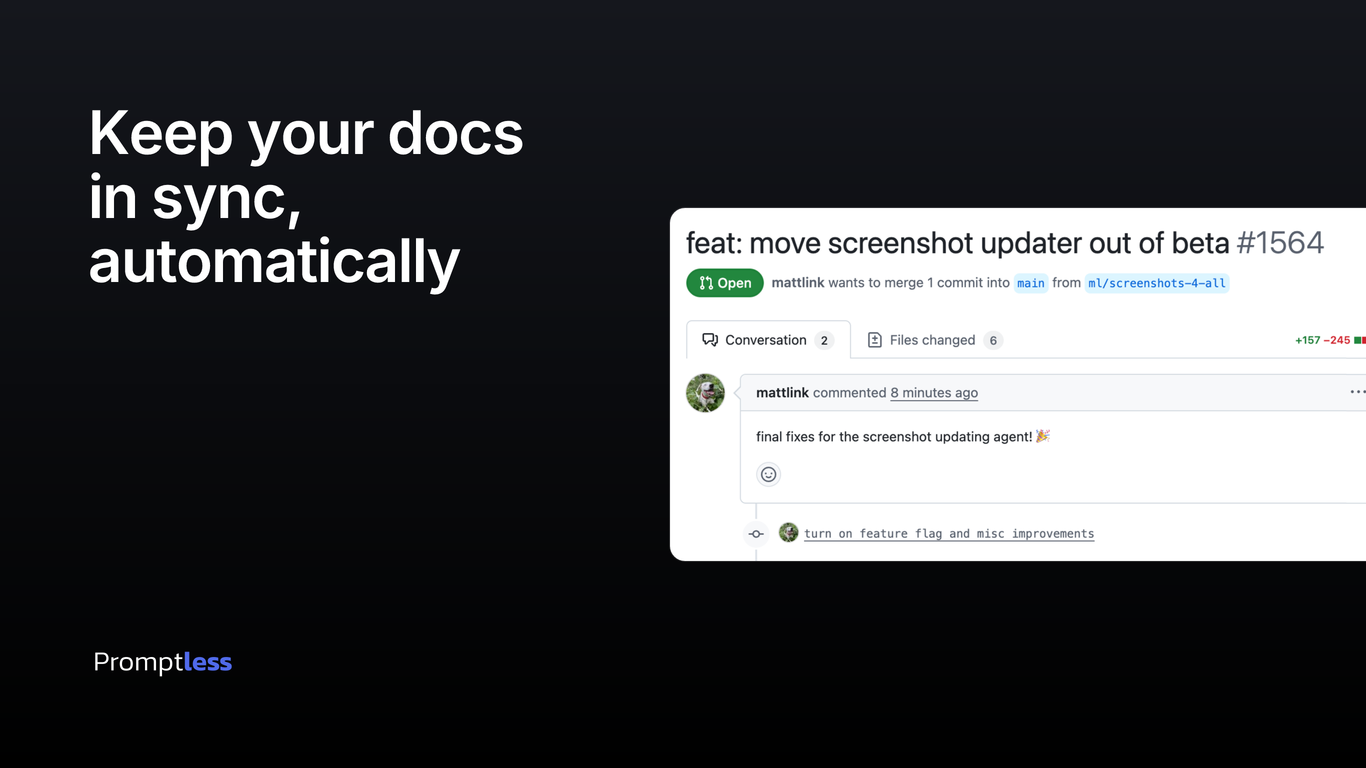
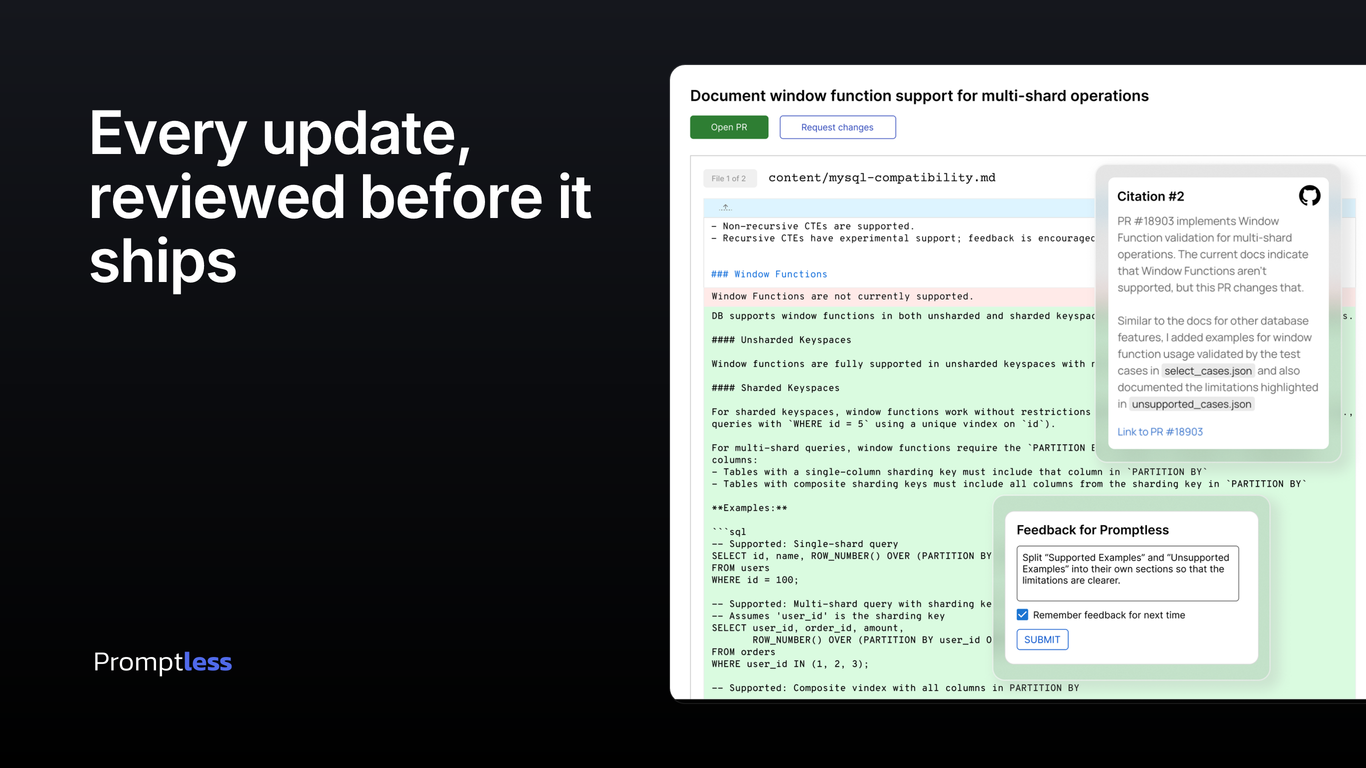
Vercel Marketplace gallery
Section titled “Vercel Marketplace gallery”The Vercel Integration Console takes 1 to 8 gallery images at 16:9, 1920×1080. These two pass --width and --height rather than taking the 1366×768 default. Upload them in the order below: what starts a docs update, then what you review.
A third image showing the connected integrations is still missing. It needs a capture from a clean workspace, for the reasons given in #902.